> ## Documentation Index
> Fetch the complete documentation index at: https://docs.getcollate.io/llms.txt
> Use this file to discover all available pages before exploring further.
# How to Add Tags | Collate User Tagging Guide
> Add metadata tags to datasets, columns, or dashboards for improved classification, search, and governance reporting.
# How to Add Tags
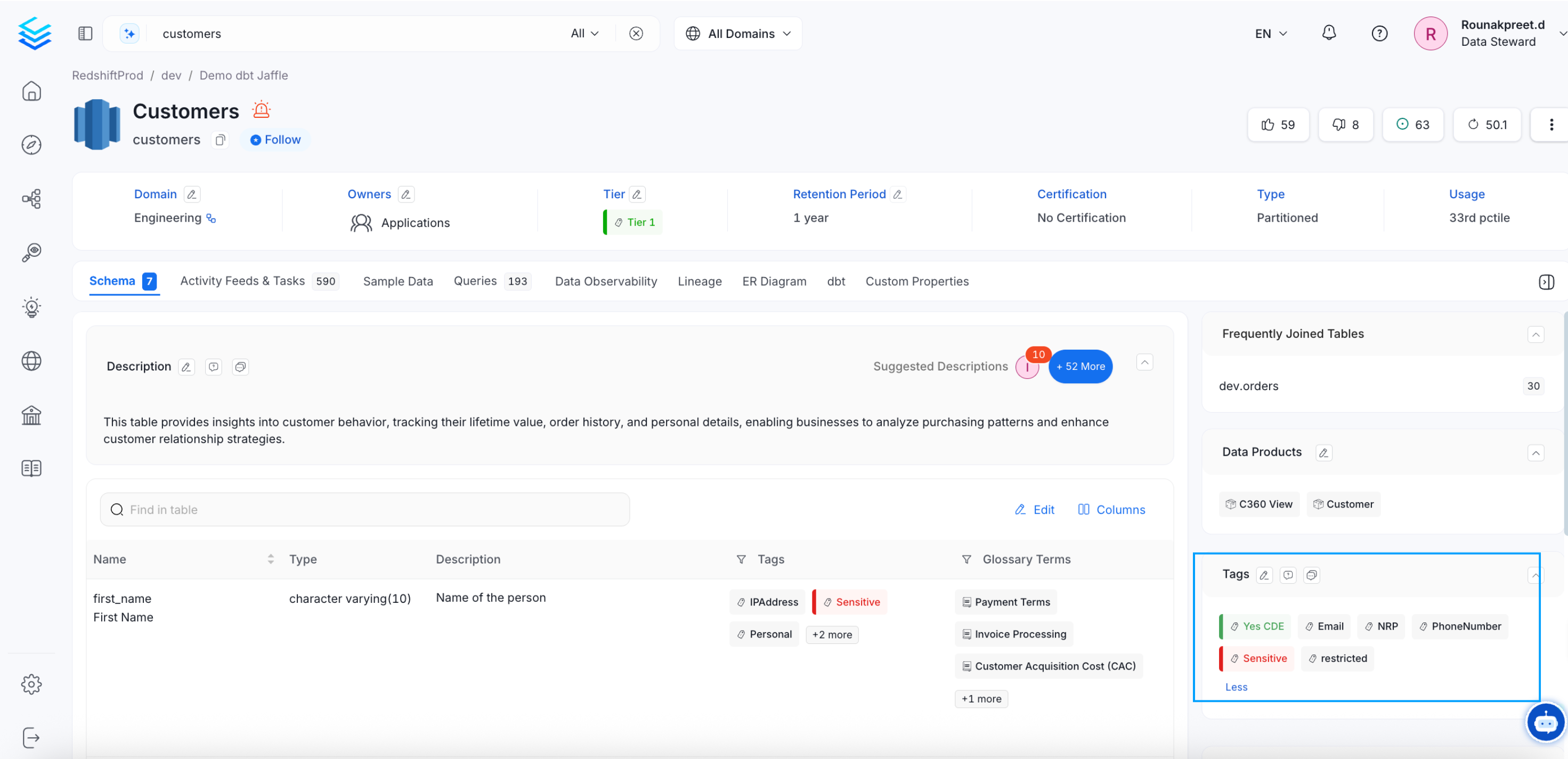
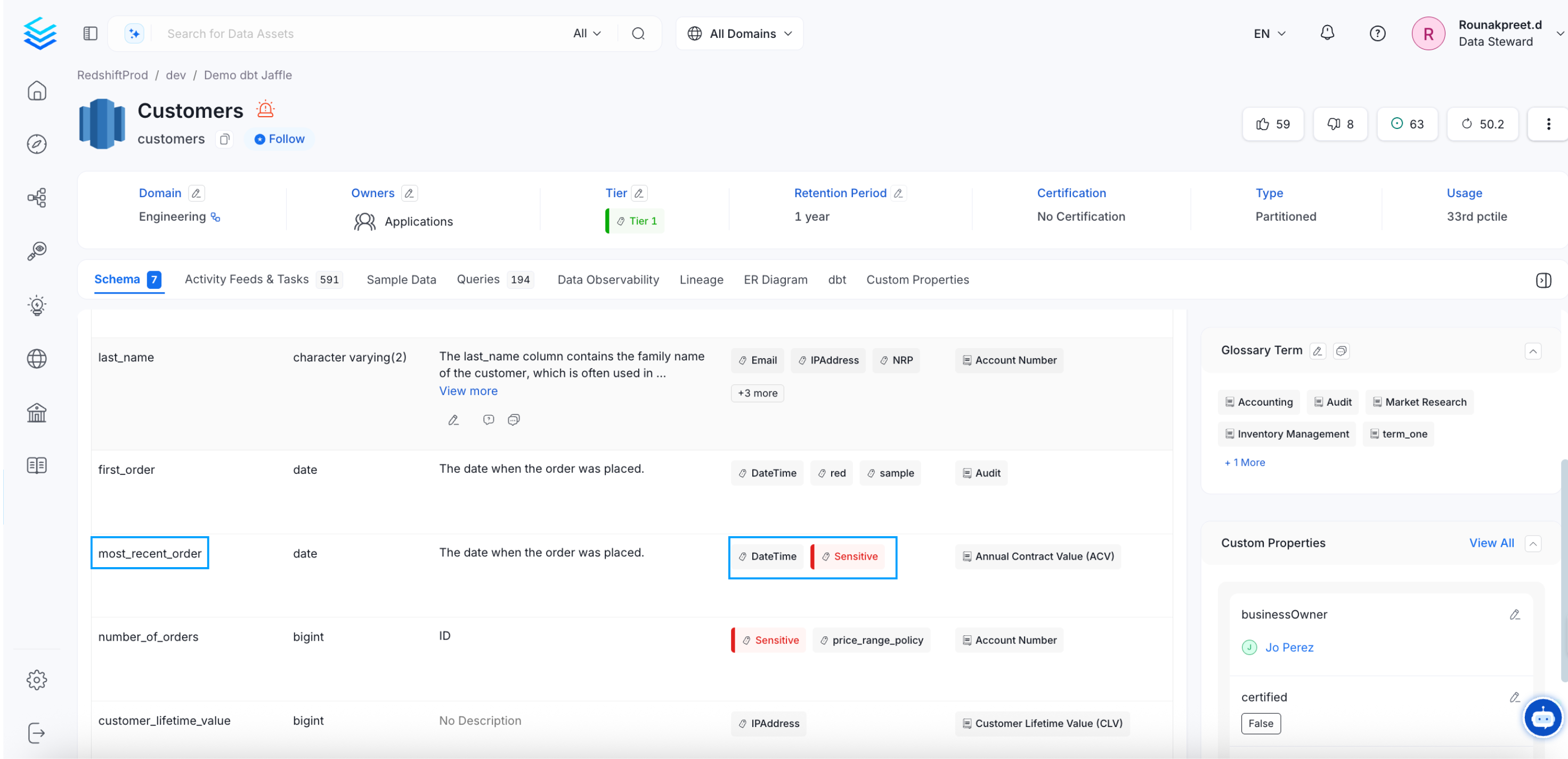
* From the Explore page, select a data asset and click on the edit icon or + Add for Tags.
* Search for the relevant tags. You can either type and search, or scroll to select from the options provided.
* Click on the checkmark to save the changes.
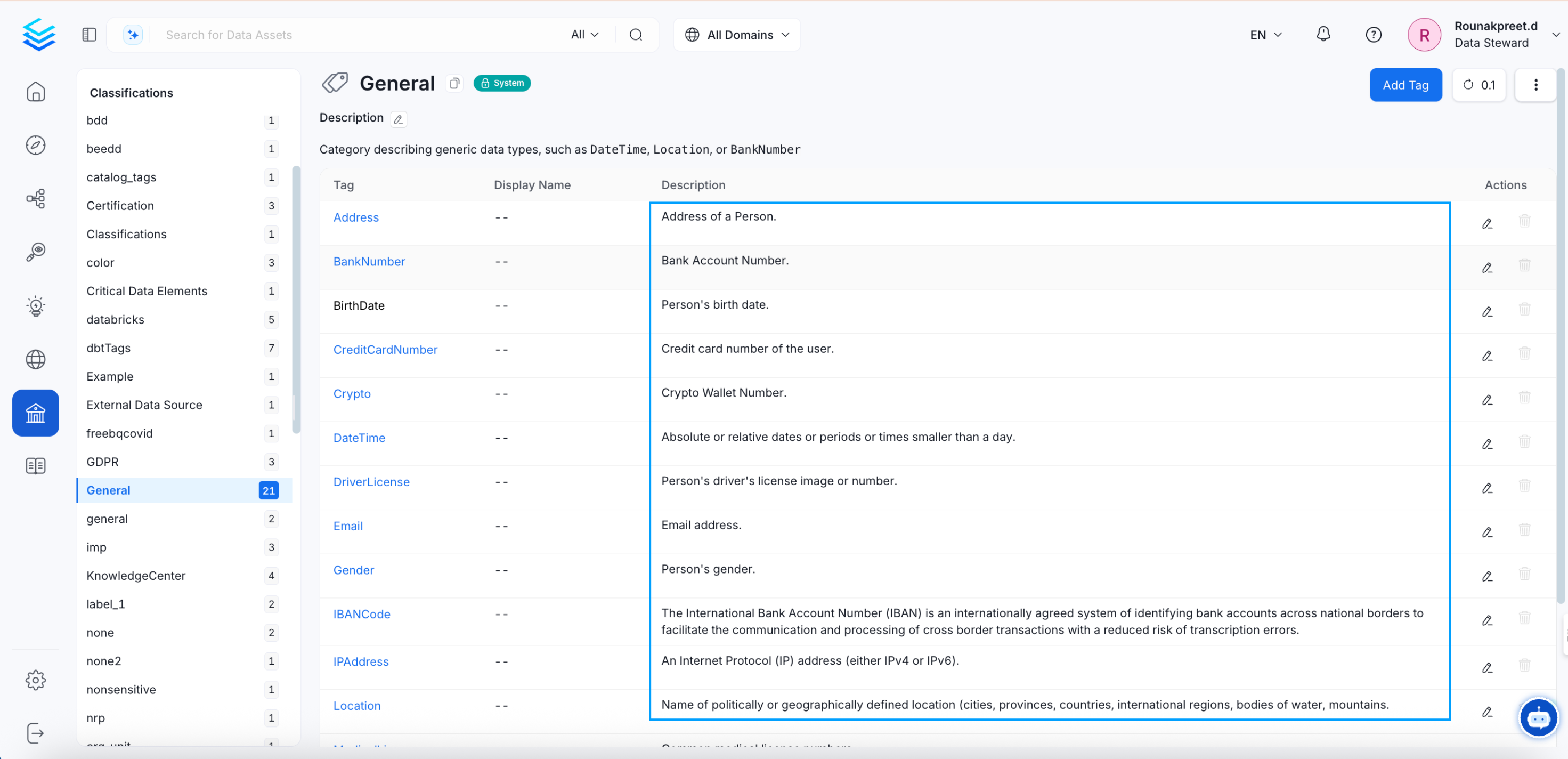
 The tagged data assets can be discovered right from the Classification page.
* Navigate to **Govern >> Classification**.
* The list of tags is displayed along with the details of Usage in various data assets.
* Click on the Usage number to view the tagged assets.
The tagged data assets can be discovered right from the Classification page.
* Navigate to **Govern >> Classification**.
* The list of tags is displayed along with the details of Usage in various data assets.
* Click on the Usage number to view the tagged assets.
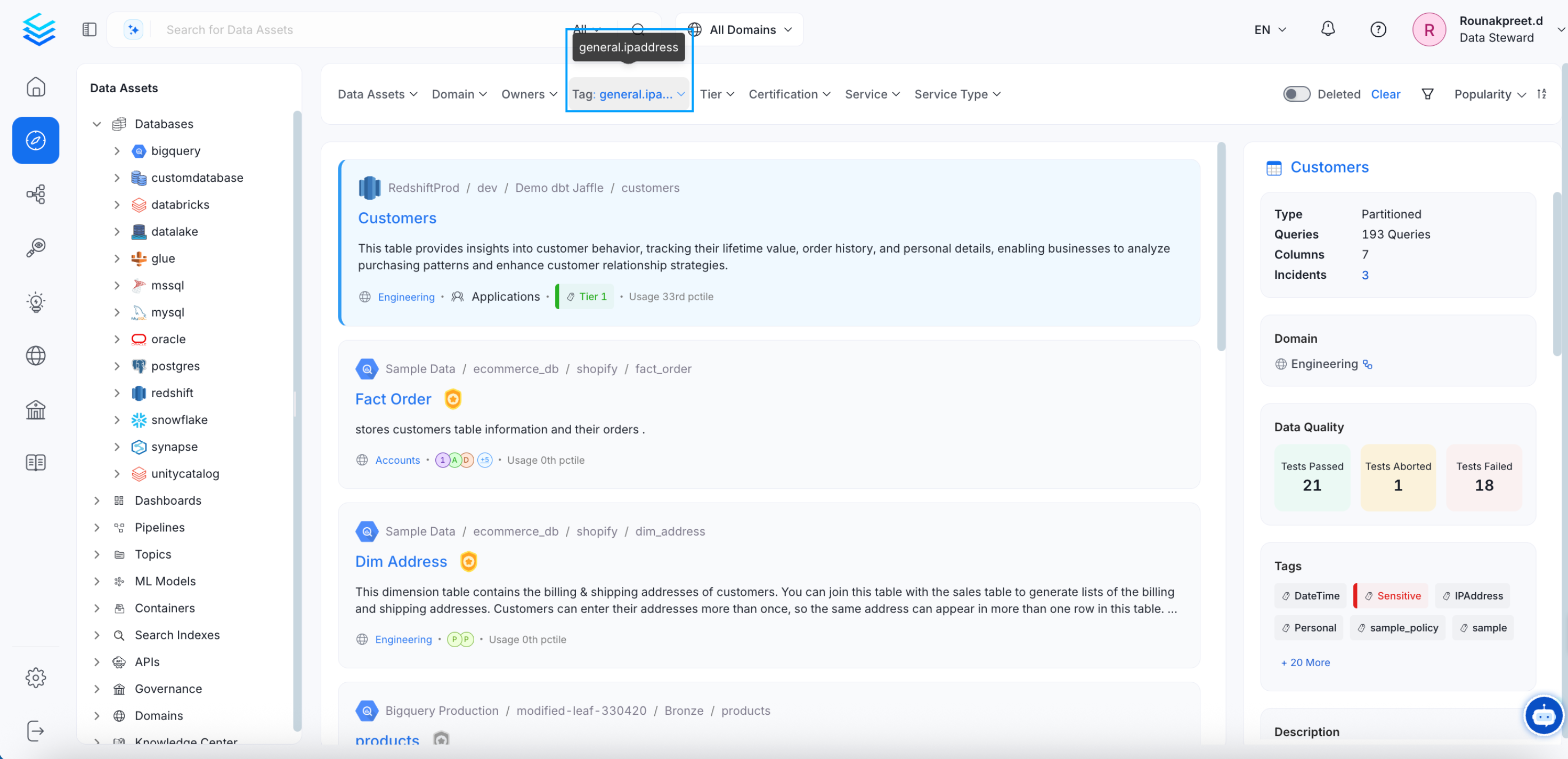 You can view all the tags in the right panel.
Data assets can also be classified using Tiers. Learn more about [Tiers](/how-to-guides/data-governance/classification/tiers).
Among the Classification Tags, Collate has some System Classification. Learn more about the [System Tags](/how-to-guides/data-governance/classification/classification#classification-in-collate).
## Auto-Classification in Collate
Collate identifies PII data and auto tags or suggests the tags. The data profiler automatically tags the PII-Sensitive data. The addition of tags about PII data helps consumers and governance teams identify data that needs to be treated carefully.
In the example below, the columns ‘user\_name’ and ‘social security number’ are auto-tagged as PII-sensitive. This works using NLP as part of the profiler during ingestion.
You can view all the tags in the right panel.
Data assets can also be classified using Tiers. Learn more about [Tiers](/how-to-guides/data-governance/classification/tiers).
Among the Classification Tags, Collate has some System Classification. Learn more about the [System Tags](/how-to-guides/data-governance/classification/classification#classification-in-collate).
## Auto-Classification in Collate
Collate identifies PII data and auto tags or suggests the tags. The data profiler automatically tags the PII-Sensitive data. The addition of tags about PII data helps consumers and governance teams identify data that needs to be treated carefully.
In the example below, the columns ‘user\_name’ and ‘social security number’ are auto-tagged as PII-sensitive. This works using NLP as part of the profiler during ingestion.
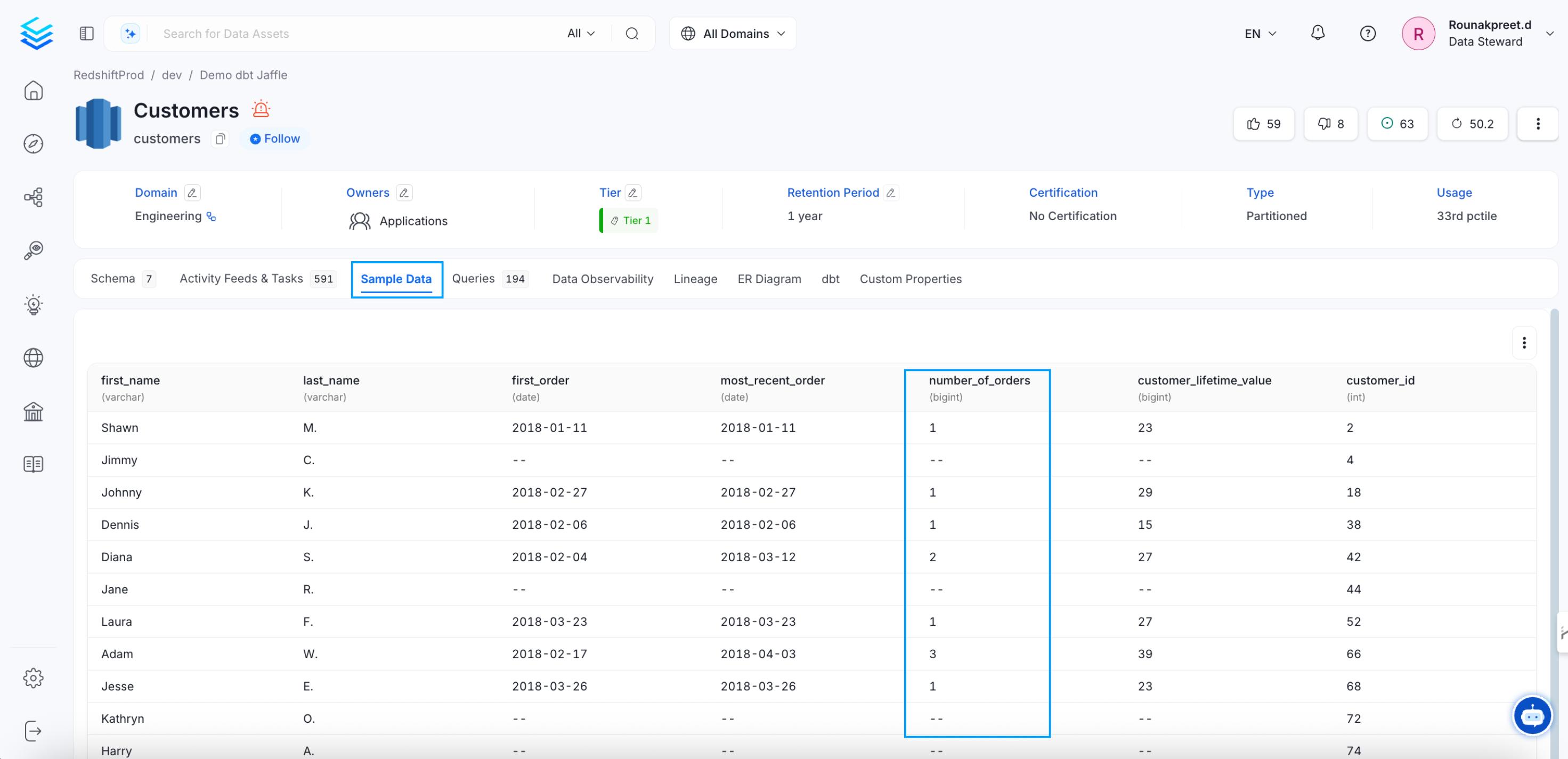
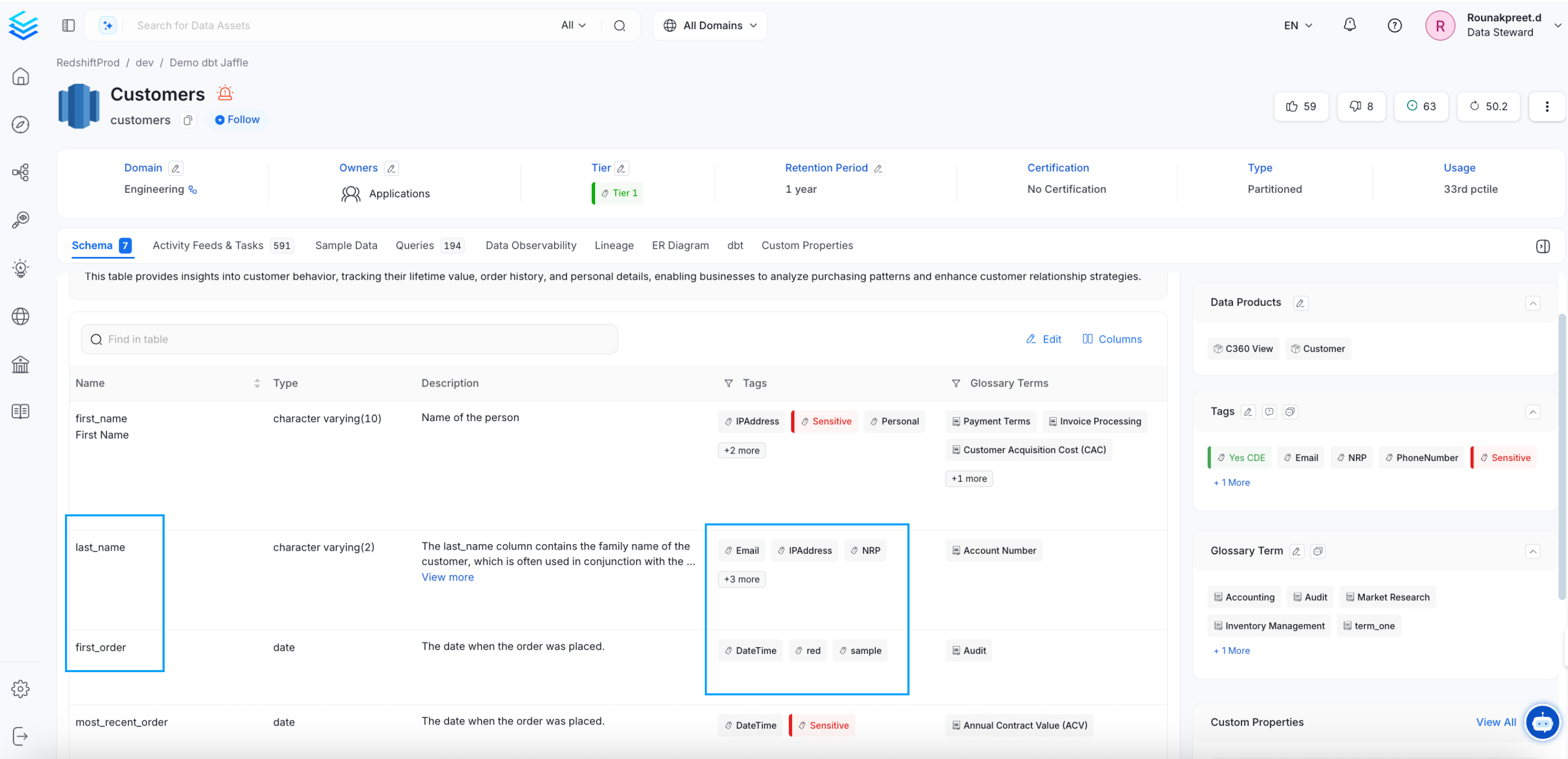 In the below example, the column ‘dwh\_x10’ is also auto-tagged as PII Sensitive, even though the column name does not provide much information.
 When we look at the content of the column ‘dwh\_x10’ in the Sample Data tab, it becomes clear that the auto-classification is based on the data in the column.
 Request for tags and discuss about the same, all within Collate.